My pantry shelves were organized. My closet bins were sorted. My garage bins had zones. None of it worked the way I thought it would, because nobody in the house except me knew what was in any of the bins. I would reorganize on a Sunday, and by the following Thursday things would be back in the wrong place. My kids are not malicious. They genuinely could not tell a blue bin from a gray one without opening it. So I bought the DYMO LetraTag 100H, printed labels for 47 containers in a single Saturday afternoon, and waited to see if the system would finally stick. That was eight months ago.
I am not a label-maker person by nature. I had tried cheap generic label makers twice before this one and returned them both: the first printed tape that peeled off within a week, the second had a keyboard so stiff I could not type without mashing two keys at once. The DYMO came up in a search for 'label maker that actually sticks' with over 31,000 reviews and a 4.7-star rating. I figured at that volume someone would have surfaced the real problems. Here is what I found after eight months across the pantry, two closets, the garage, and the kids' playroom.
The Quick Verdict
A reliable, no-fuss label maker that does exactly what a busy household needs: fast tape printing, a keyboard you can actually type on, and labels that stay stuck. The tape cassette costs add up if you label a whole house at once, but the system it enables is worth it.
Amazon Check Today's Price →Stop reorganizing the same bins every month. Labels are the part that makes it stick.
The DYMO LetraTag 100H ships with three tape cassettes, so you can label a whole room before you run out. Over 31,000 buyers, 4.7 stars.
Amazon Check Today's Price on Amazon →How I've Used It
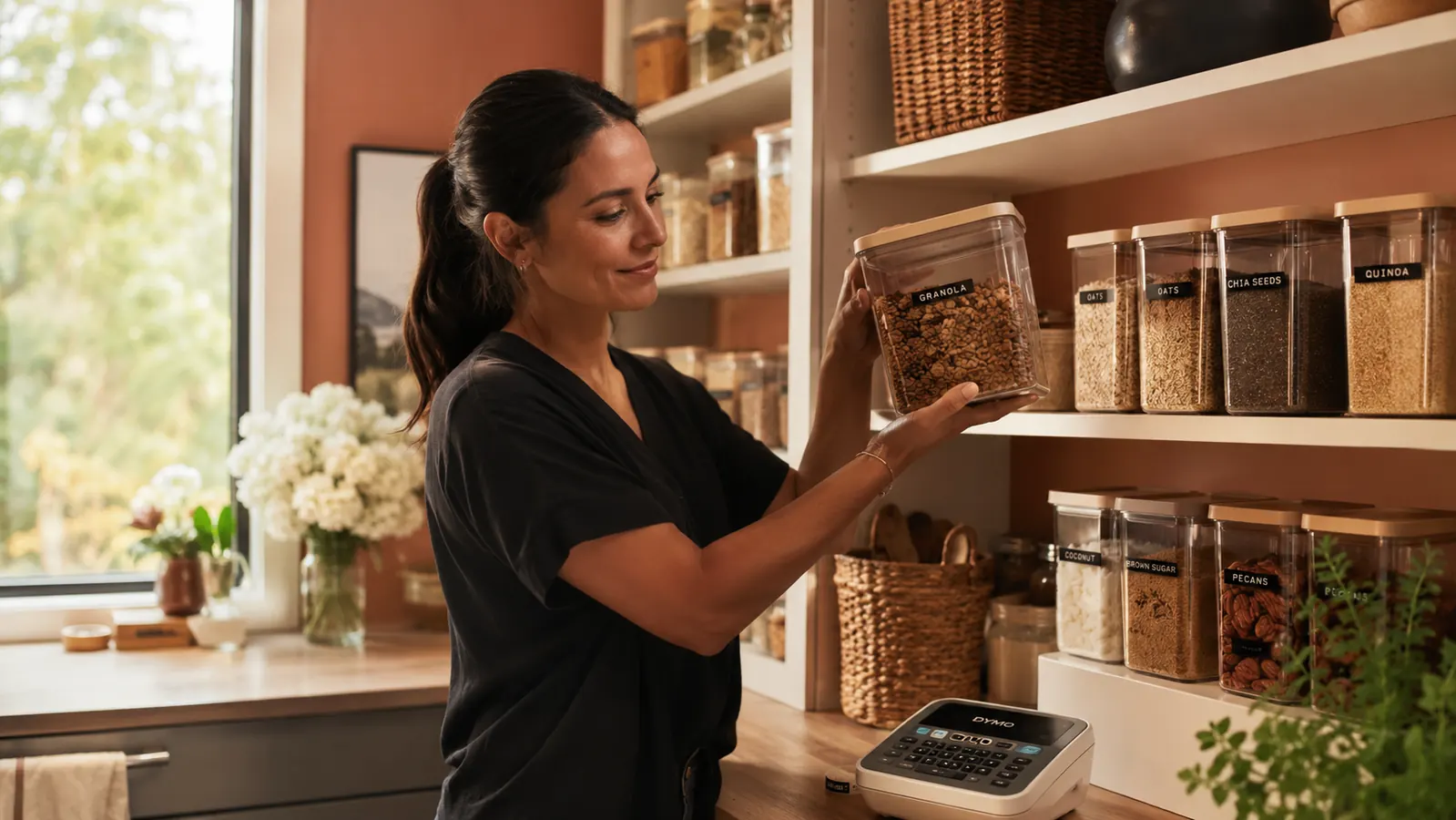
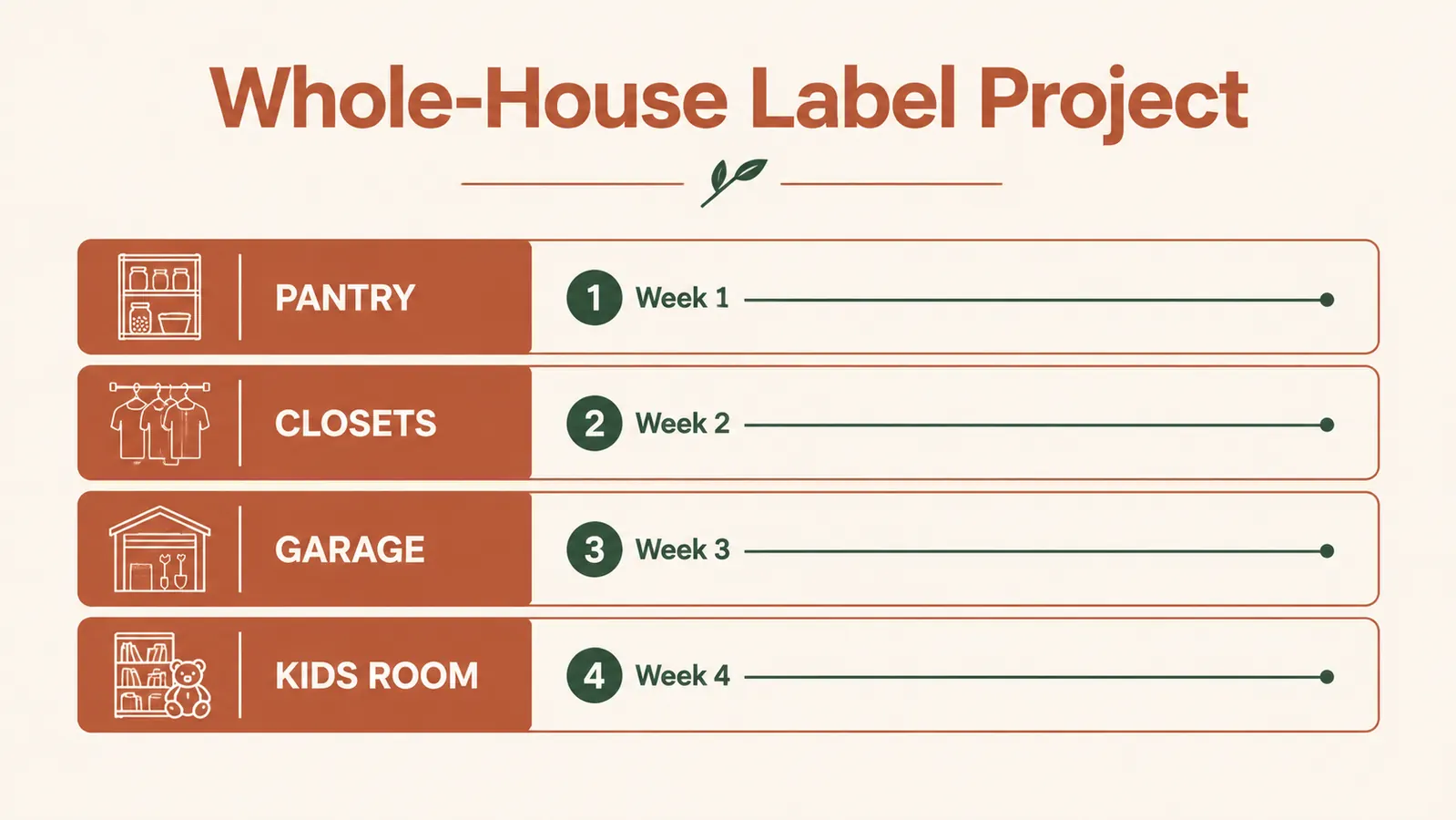
The first session was the pantry. I have a six-shelf pantry with clear bins for baking supplies, snacks, canned goods, breakfast items, and school lunch supplies. I typed each label, adjusted the font size to Large (the biggest the 100H offers on standard 12mm tape), pressed print, and peeled and stuck. The whole pantry took about 25 minutes. The labels went onto the front face of each bin at eye level for an adult, which means my seven-year-old daughter Mila can read them but my four-year-old son still goes rogue. That is a height problem, not a label problem.
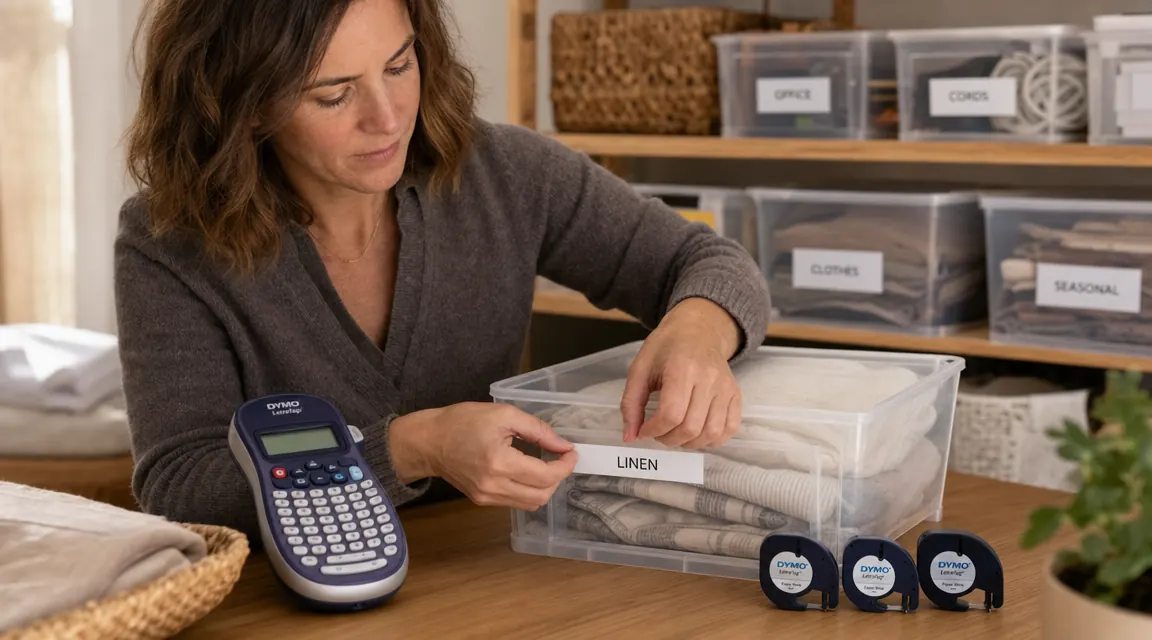
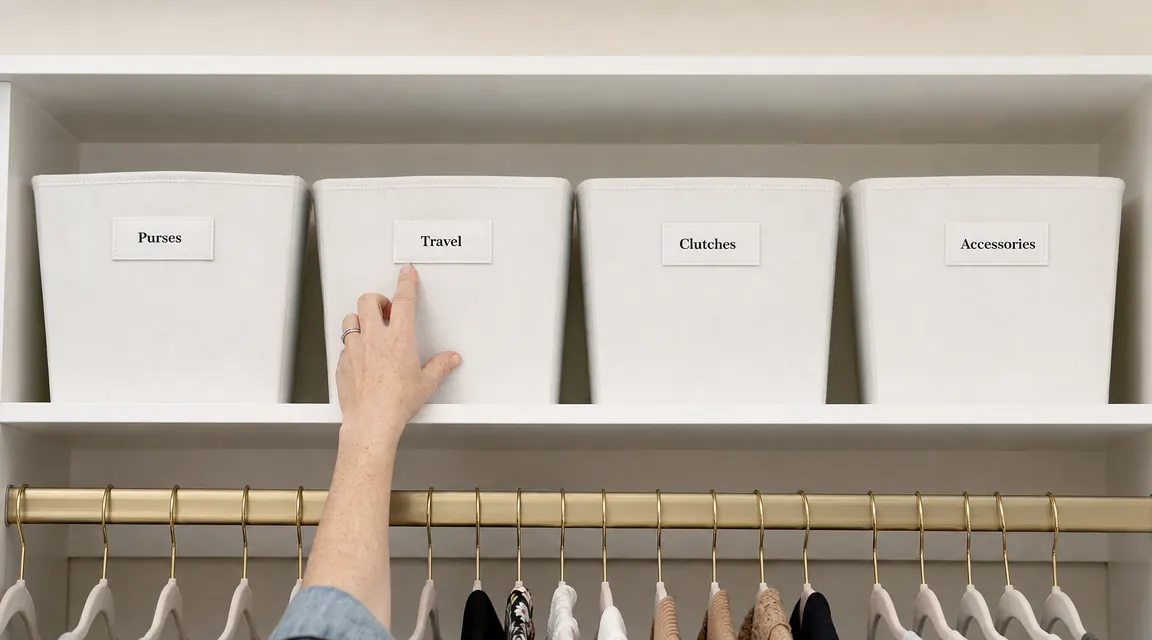
Week two was the hall closet and the linen closet. The hall closet has bins on the top shelf for seasonal accessories: winter hats, scarves, gloves sorted by person, extension cords. The linen closet has shelves labeled by room: MASTER BATH, KIDS BATH, GUEST. I also labeled the edge of each shelf itself with a strip of tape, which is something I had not considered before but which turns out to be genuinely useful when the bins are out in the laundry and the shelf looks empty.
Weeks three and four were the garage and the kids' playroom bins. The garage was the real test because those surfaces are dusty, slightly oily in places, and the temperature swings. Playroom bins were the opposite problem: sticky hands, direct sunlight from a south-facing window, and kids peeling at the label edges out of pure curiosity.
Tape Performance Over Eight Months
The standard white plastic tape (the kind that ships in the box) has held up well on smooth surfaces: the pantry bins are still clean and legible, the linen closet shelf edges look exactly as they did on day one. Zero peeling, zero yellowing. I pressed each label firmly with my thumbnail for about ten seconds after applying, which seems to matter.
The garage labels are a mixed result. The ones on smooth plastic bin lids are still perfect. The ones I put on a metal shelf rail (slightly textured, painted surface) started lifting at the corners around month five. I re-stuck them with a tiny bit of pressure, and they held through month eight, but I would not guarantee them for outdoor-garage use beyond a year without re-application. For truly rough surfaces, DYMO makes a polyester tape option that is more aggressive; I wish I had used it on the garage metal specifically.
The playroom labels surprised me. Two of them got partially peeled by my son around month three. I reprinted and reapplied, and this time I stuck them higher on the bin face where he cannot reach. The tape itself did not fail; he just mechanically lifted it. The labels that are out of reach look brand new.
I labeled 47 containers in one Saturday afternoon. Eight months later, my family actually puts things back in the right bin. That is the whole point of every organizing system I have ever built, and a label maker is the thing that finally made it work.
The Keyboard and Typing Experience
This is where the DYMO 100H wins over cheap competitors by a noticeable margin. The keys have a positive tactile click. I can type SCHOOL SUPPLIES without looking at the machine. The QWERTY layout is full, meaning every letter is where you expect it, and the spacebar is a real spacebar, not a symbol you have to find in a menu. I type labels quickly now; a typical four-word label takes under fifteen seconds from power-on to printed tape.
There are formatting options: bold, italic, underline, a choice of a few font styles, and four size settings. I use Large for bins, Medium for shelf edges, and Small for individual drawer dividers inside a kitchen drawer. The label preview window is small, a single-line LCD that shows you your text before printing, but it is enough. You are not designing a logo here; you are labeling a bin of winter hats.
One genuine frustration: the machine has no memory. Every time you turn it off, your settings reset to default. If you are doing a batch session, keep it on. If you set it down and it auto-powers-off after a few minutes (which it does, to save batteries), you have to reset your font size preference before the next label. This is a minor annoyance during a long session but not a dealbreaker.
Batteries and Cartridge Costs
The 100H runs on four AA batteries. I went through one set of batteries during my initial whole-house labeling session of 47 labels plus a few reprints. A second set has lasted through all the individual labels I have added since then, which is probably another 30 labels spread across eight months. So figure one full set of AAs per major labeling project. Not bad.
The cartridge cost is the only part that requires planning. Each LT tape cassette gets you roughly 13 feet of tape, and each label uses about 1.5 to 2 inches plus a small leader that feeds before the text. In practice you get roughly 50 to 60 usable labels per cassette. The three cassettes in the box covered my entire house with a bit left over. Replacement cassettes run at moderate cost each, depending on whether you buy them individually or in multi-packs. If you are labeling a whole house all at once, budget for a two-cassette refill pack on top of what ships in the box, just to avoid running out mid-session.
Alternatives I Considered
Before buying the DYMO, I looked at the Brother P-Touch PT-D220 and a generic no-name label maker from a brand I had never heard of. The Brother is a direct competitor in the same price range. I ultimately chose the DYMO because the Brother's tape cassettes are a different format (TZe) and tend to run slightly higher in cost per foot, plus the Brother has a steeper learning curve for font and style settings. That said, the Brother is a legitimate alternative with a strong track record. I cover both in more detail in my comparison of the DYMO LetraTag vs Brother P-Touch if you want to see them side by side.
The generic option I passed on had no brand recognition and no return policy clarity from the seller. After my experience returning two cheap label makers, I decided spending a bit more for a real brand with easy returns and replaceable tape cartridges was worth it. I have not regretted that call.
What I Liked
- Keyboard is comfortable and properly QWERTY, fast to type on
- Labels stick well on smooth plastic and most cabinet surfaces
- Three cassettes included cover a full small house at launch
- Compact enough to drop in a kitchen drawer between sessions
- Tape is easy to find in stores and online in multiple styles (white, clear, metallic)
Where It Falls Short
- No settings memory: font size resets after every auto-power-off
- Labels on textured or painted metal can lift at corners over time
- Tape cassette costs add up for large labeling projects; budget for extras
- LCD preview window is narrow, single-line only
- No Bluetooth or app connection, purely manual (not a problem for most, but worth knowing)
Who This Is For
If you have already invested in bins, baskets, or shelf organizers and the system is not sticking because nobody can tell what goes where, the DYMO LetraTag 100H is the last tool you need to buy. It is best suited for someone labeling a whole room or whole house in a single session, because you get the most value out of the three included cassettes and the setup time is minimal compared to a multi-month labeling project. If you have kids who are old enough to read, labels transform your organizing system from one you maintain alone to one that the whole household participates in. That is the difference between organizing once and organizing forever. It also works well for anyone who moves often or rents, since bin and container labels are easy to remove and replace when you change up your storage arrangement.
Who Should Skip It
If you want a Bluetooth or app-connected label maker so you can design labels from your phone with custom fonts and graphics, the LetraTag 100H is not that machine. Bluetooth label makers exist at a higher price point and give you more design control. If you are labeling industrial shelving, outdoor gear bins, or anything that will see moisture or harsh temperature swings regularly, look at a label maker that uses TZe laminated tape or a vinyl-specific tape, since the standard LT plastic tape is not rated for demanding environments. And if you only need to label five things, you probably do not need a label maker at all; masking tape and a Sharpie will get you there. This machine earns its place when you have a real system to lock in, not for one-off labeling.
Ready to label the whole house in one afternoon? The three included cassettes make it possible.
The DYMO LetraTag 100H is the label maker I recommend to anyone who has built an organizing system and needs it to finally stick. 31,500-plus reviews, 4.7 stars. Check whether it is in stock before you start your project.
Amazon Check Today's Price on Amazon →